

PoE Camera Systems for Warehouses: Smarter Coverage, Cleaner Installation, Better Visibility
Warehouses need surveillance systems that can watch wide aisles, loading docks, inventory zones, entrances, and outdoor yards without creating a mess of separate power supplies and cables. A PoE camera system is one of the most practical ways to build that kind of coverage.
Shop Network Video Recorders Shop Diversity IP Cameras
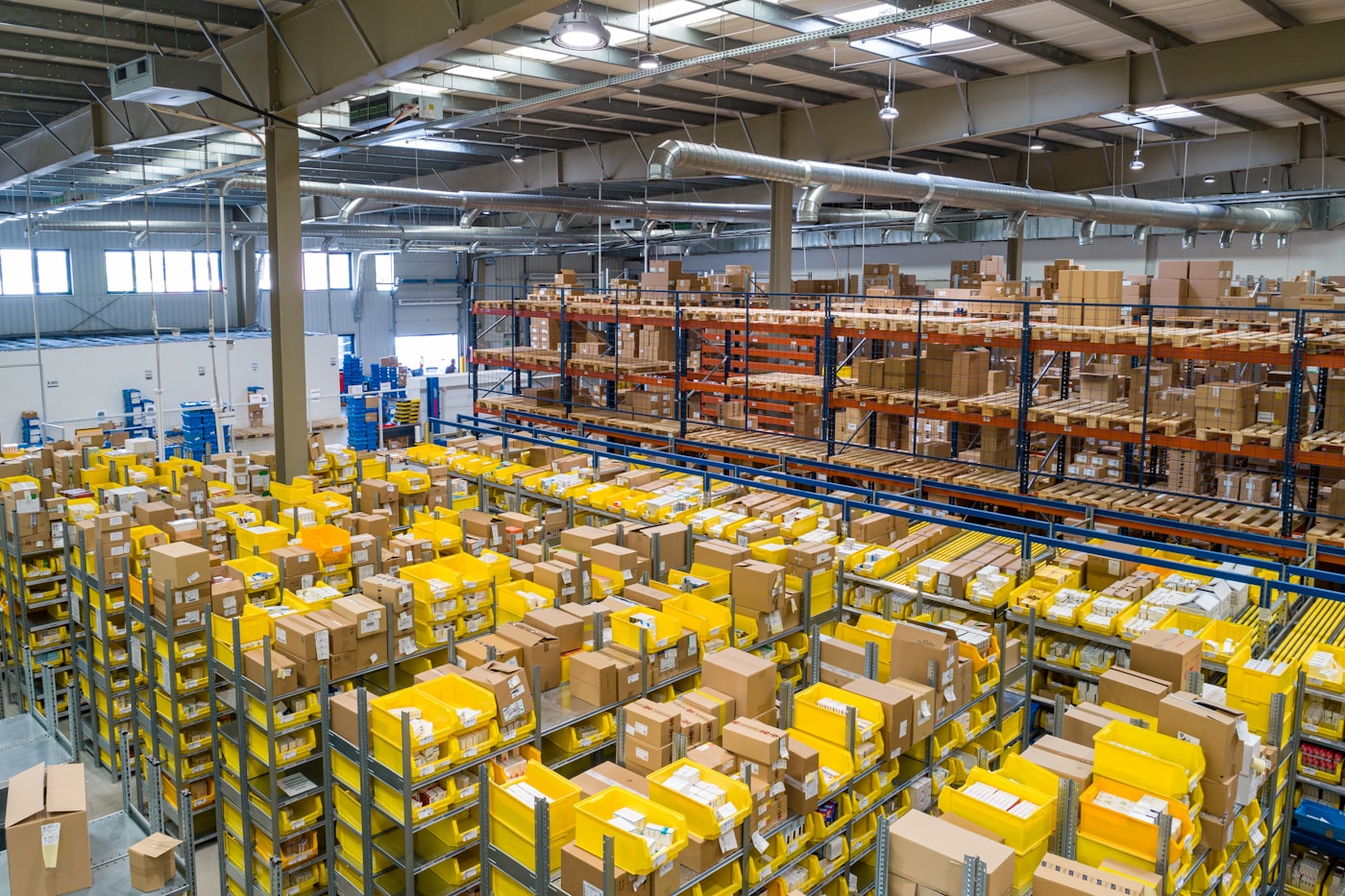
Why PoE Works So Well in Warehouses
PoE, or Power over Ethernet, allows an IP camera to receive both power and data through a single network cable. For warehouses, that matters. Instead of running a power outlet to every camera location, installers can place cameras where visibility is best and bring the cable back to a PoE switch or PoE network video recorder.
This makes PoE systems especially useful for tall ceilings, long aisles, receiving areas, shipping bays, forklift routes, exterior doors, and stockrooms. The result is a cleaner installation, fewer power adapters, and easier long-term service.
Core Components of a Warehouse PoE Camera System
A dependable warehouse surveillance system usually includes three main pieces: IP cameras, a network video recorder, and proper cabling or switching infrastructure. The cameras capture video, the NVR records and manages footage, and the network cabling keeps everything connected.


Where Warehouses Benefit Most From Camera Coverage
Every warehouse layout is different, but most facilities share the same core risk zones. A well-planned PoE camera system should prioritize:
- Loading docks: Monitor deliveries, shipments, driver activity, and door access.
- Main aisles: Keep visibility across forklift traffic and high-value inventory paths.
- Receiving and packing stations: Review handling, order accuracy, and workflow issues.
- Entrances and exits: Capture clear identification footage of employees, visitors, and vehicles.
- Exterior yards: Protect trailers, gates, parking areas, and after-hours access points.
- Inventory cages or restricted zones: Add focused coverage where loss prevention matters most.
Choose Cameras Based on the Job
Warehouses usually need a mix of camera types. Fixed lens cameras work well for doors, checkpoints, and narrower aisles. Motorized lens cameras are useful where the installer needs to fine-tune the viewing angle after mounting. Bullet cameras are a strong fit for longer views and outdoor areas, while turret cameras are often preferred indoors for a clean look and flexible positioning.

For camera selection, browse the Diversity IP Cameras collection to compare options for indoor aisles, dock areas, outdoor coverage, and higher-resolution monitoring needs.
Build Around the Right NVR
The network video recorder is the control center of the system. It determines how many cameras can be connected, how much footage can be stored, what resolution can be recorded, and how easily users can search video later. For warehouses, it is usually smart to plan for future expansion. If the building needs eight cameras today, a larger recorder may make sense if additional dock doors, offices, or yard views may be added later.
When comparing NVRs, consider channel count, PoE ports, hard drive capacity, remote viewing features, video resolution support, and whether the system can handle the bandwidth of multiple high-resolution cameras. You can review available options in the Network Video Recorders collection.
Warehouse Installation Tips
A good installation is about more than mounting cameras. Camera height, lens angle, lighting, cable paths, and recorder placement all affect performance. Avoid aiming cameras directly into dock doors where backlighting can wash out the image. Use overlapping views in critical areas so one blocked angle does not leave a blind spot. In tall warehouse spaces, test the view before finalizing the mount so faces, pallets, labels, and vehicle movement remain clear enough for review.
It is also important to think about retention. A busy warehouse may generate a lot of footage, especially with high-resolution cameras. Choosing the right hard drive capacity helps ensure the system keeps video long enough for investigations, audits, and incident review.
Plan Your Warehouse Camera System With J&D Systems
Whether you are upgrading an older camera system or designing a new PoE camera layout from scratch, the right combination of IP cameras and NVRs can improve visibility across your warehouse while keeping installation clean and scalable.
Explore PoE IP cameras, compare network video recorders, or contact J&D Systems for help choosing the right warehouse surveillance setup.